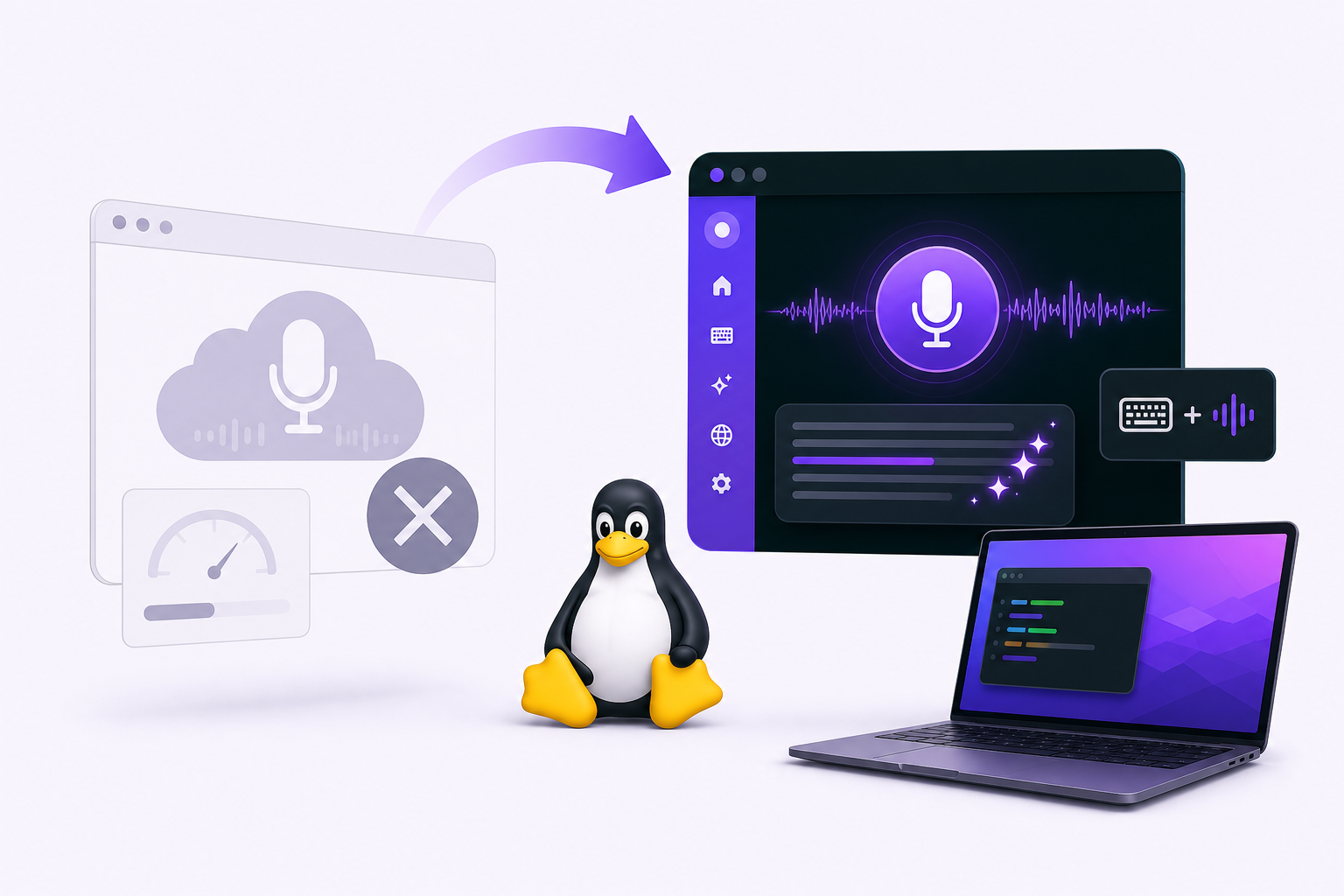
Does Wispr Flow Work on Linux? No. Here's the Alternative

Written by Futsy, founder at Vibe Typer
Wispr Flow's official platform list covers macOS, Windows, iPhone and Android. Linux is not on it, and that stays true whether you searched for Wispr Flow, WisprFlow, Whispr Flow, or Whisper Flow (Wispr Flow pricing and FAQ).
So here is the part a search result cannot hand you: Vibe Typer, a voice typing app you can actually install on Linux today. It ships as a single portable AppImage for Ubuntu, Fedora, Debian, Arch and Linux Mint, and it runs on both Wayland and X11. Your words land in whatever app your cursor is in. Magic Formatter cleans up the ums and the self-corrections on the way, and you can rewrite any text by voice, to make it shorter or more professional.
Below: what Wispr Flow does and does not support, how the two compare feature by feature, and how to get Vibe Typer running on your distribution.
Does Wispr Flow work on Linux?
Wispr makes no official Linux app and has announced none: no .deb, .rpm, AppImage, Flatpak or snap, and no timeline for one. Its own help only covers using Flow from Windows with WSL. There is no web version either, and a browser tool would leave the real gap open: on Linux your day runs through a terminal, an editor, an email client, a chat app, an issue tracker and a document, usually all of them inside one hour.
What you will find is an unofficial community port that repackages the Windows app as .deb, .rpm, AppImage and AUR packages, with its own helper to type the text into Linux apps. Wispr does not support it. It signs in to your Wispr Flow account, so Wispr's plans and limits apply, and each Wispr release reaches Linux only after the port repackages it.
The practical question is which voice typing app you can install on Linux today that does the same job.
Wispr Flow, Whisper Flow, and Superwhisper: which one you mean
Three different products get typed into search as roughly the same thing, and only one of them is Wispr Flow.
- Wispr Flow (wisprflow.ai) is the macOS, Windows, iPhone and Android dictation app this guide is about. It is often typed Whisper Flow, WhisperFlow or Whispr Flow, because of OpenAI's Whisper model. Same product either way, and no official Linux build.
- Whisper is OpenAI's speech recognition model, which several Linux apps are built on. They run it entirely on your own machine, so their speed and accuracy depend on your hardware.
- Superwhisper is a different company's app for macOS, Windows, iOS and Android. Its Linux version, still in preview, runs only on Wayland with Hyprland, KDE Plasma or GNOME. If that is the one you meant, it has its own guide.
Whichever you typed, the decision on Linux is the same: pick a tool that ships a Linux download and types into every app you write in. Vibe Typer's Free plan exists so you can test the hotkey, the text insertion and the AI formatting before it becomes part of your day.
Why many voice typing tools fall short on Linux
Linux has long been underserved for speech recognition and dictation software. Many options are one of these:
- Browser-only extensions that work in Chrome or Edge but not across the whole desktop.
- Open-source toolkits that work but need model downloads, scripts, microphone configuration and ongoing maintenance.
- Cloud dictation tools that support macOS or Windows first and leave Linux users waiting.
- Built-in accessibility features that vary by desktop environment and usually have no AI rewriting or reply drafting.
Technical users can make almost anything work, but that is different from having a tool you use every day without maintaining it.
Vibe Typer vs Wispr Flow on Linux
| Feature | Vibe Typer | Wispr Flow |
|---|---|---|
| Native Linux download | Yes, one portable AppImage | No official build; an unofficial community port exists |
| Ubuntu support | Yes, 22.04 and later | Not listed |
| Fedora / Debian / Arch / Linux Mint | Yes, the same AppImage | Not listed |
| Wayland | Yes, native | No official Linux build |
| X11 | Yes, native | No official Linux build |
| System-wide dictation | Yes | No official Linux build |
| AI rewrite command | Yes | No official Linux build |
| AI reply drafting | Yes | No official Linux build |
| Free plan | Free to start, no card, on Linux too | No official Linux build |
| Cross-platform desktop use | Linux, Windows, macOS | macOS and Windows |
If you are on Linux, Vibe Typer is the more practical choice because it has a supported Linux build.
Why Vibe Typer works as a Wispr Flow alternative on Linux
Vibe Typer is a desktop voice-to-text app for people who write across many apps. For Linux users, the parts that matter:
- Native Linux support. A real desktop install that types into every app you use.
- System-wide dictation. Press your global hotkey and dictate into anything you can type in.
- Wayland and X11. Both sessions work, and the text insertion preference is adjustable if one app behaves oddly.
- Magic Formatter. Cleans up rambling speech, false starts, and self-corrections before the text lands in your app.
- AI rewrite. Rewrite any text by voice, to make it more professional or shorter.
- AI reply. Vibe Typer drafts a reply to a message or email you've copied, for you to review.
- Pricing. Start on the Free plan, then move to Pro if voice typing sticks.
Wispr Flow alternative for Ubuntu
Wispr makes no official build for Ubuntu: no .deb, PPA or snap, and the community port's .deb is unofficial. Vibe Typer's AppImage runs on Ubuntu 22.04 and later, with no repository to add.
Ubuntu has defaulted to a GNOME Wayland session since 21.04, which is exactly where most dictation tools quietly stop working: they synthesise keystrokes with xdotool, and Wayland does not allow that. Vibe Typer ships a Wayland path as well as an X11 one and picks the right one for your session, so text lands in GNOME Text Editor, Firefox, VS Code, Slack and your terminal the same way.
Canonical's own Myna has been in technology preview since October 2026: local speech to text for Ubuntu 24.04 and later on GNOME Wayland, installed from a PPA. It types what you say with the model's own punctuation, with no AI cleanup or custom vocabulary yet. The Ubuntu dictation guide compares the two.
Wispr Flow alternative for Fedora, Arch, and Linux Mint
Same file, same hotkey, three different default setups:
- Fedora Workstation: GNOME on Wayland by default since Fedora 25, so the same Wayland path applies as on Ubuntu.
- Arch, Manjaro and EndeavourOS: usually KDE Plasma or GNOME, and on Plasma 6 that is a Wayland session out of the box. Switching a machine from X11 to Wayland carries your Vibe Typer settings across automatically.
- Linux Mint: Cinnamon still runs X11 by default, which is the easier case. See voice typing apps for Linux Mint for the Mint-specific walkthrough.
- Debian: the AppImage is portable, so there is nothing distribution-specific to install.
What does not change across any of them: one global hotkey, and dictation into productivity tools, developer tools, chat apps and web apps alike.
Wayland vs X11: what Linux users should know
Speech recognition quality is half of Linux voice typing. Getting the text into the window is the other half, and it is where most tools fall over. X11 lets any process synthesise keystrokes into any window; Wayland deliberately does not, which is why anything built on xdotool stops working the moment a distribution switches its default session, as Ubuntu, Fedora and Plasma all have. Why most voice typing tools break on Wayland covers the mechanics.
Vibe Typer ships both paths and picks the one your session needs. Individual apps still differ, terminals most of all, so the text insertion preferences let you set a per-app rule if one behaves oddly. For most Linux users that practical desktop fit matters more than benchmark transcription accuracy alone.
Wispr Flow alternatives for Linux, ranked
Checked 14 October 2026 against each project's own site. Vibe Typer is the closest match to what Wispr Flow does: system-wide, cleaned-up text, and, like Wispr Flow, transcription in the cloud, so it is as fast and accurate on a laptop as on a workstation. When the open-source tools run on your own machine, their speed and accuracy depend on your hardware.
| Tool | Wayland | Transcription | Cost | What you get |
|---|---|---|---|---|
| Vibe Typer | Native | In the cloud: large models, same speed and accuracy on any machine | Free to start, no card; Pro $8 a month billed annually | The Wispr Flow workflow on Linux: press a hotkey, talk, clean text lands in any app. Magic Formatter cleanup from our own model on desktop, a dictionary that learns from your corrections, Rewrite and Reply. Also on Windows, macOS, iPhone and Android. |
| Vocalinux | Yes | On your machine | Free, AGPL-3.0 | Fully offline dictation on Ubuntu, Debian, Fedora, Arch and openSUSE, one-line install |
| Voxtype | Yes, via wtype | On your machine | Free, MIT | Wayland compositors such as Hyprland, Sway and Niri, hold-to-talk, no cloud |
| Handy | Partial | On your machine | Free, MIT | A simple offline GUI that also runs on Mac and Windows |
| OpenWhispr | Partial | On your machine by default, or your own API keys | Free, open source | Local models with a GUI, also on Mac, Windows and iOS |
| Myna | GNOME only | On your machine | Free, AGPL-3.0 | Canonical's own dictation for Ubuntu 24.04 and later, in technology preview |
| nerd-dictation | Partial | On your machine | Free, GPL-3.0 | Scriptable, X11-first, for people who want to wire it up themselves |
The full list of everything that ships a Linux build, checked against Wayland, X11 and install effort, is in the best AI voice typing apps for Linux: 16 that actually run. Superwhisper, Dragon and TypeWhisper each have their own Linux guide. Comparing on Mac or Windows too? See the best Wispr Flow alternatives for 2026, with prices checked on every vendor's site.
For the full picture of what Vibe Typer does on Linux, see voice typing for Linux.
How to install Vibe Typer on Linux
Vibe Typer is one AppImage from the downloads page, and the first time you run it, it asks you to sign in. If text insertion behaves differently in a specific app, see the text insertion and paste preferences.
Verdict
Wispr makes no official Linux app. Vibe Typer is the pick: one AppImage across Ubuntu, Fedora, Debian, Arch and Mint, native on Wayland and X11, system-wide, with AI rewriting and reply drafting, and a Free plan to test the workflow before you commit to it.
Download Vibe Typer and try it in the apps where you write most.
FAQ
Is there a Wispr Flow or WisprFlow Linux app?
Wispr makes no official Linux app, and its platform list does not include Linux. An unofficial community port repackages the Windows app for Linux, but Wispr does not support it. For a supported Linux app, Vibe Typer is the pick, with a native Linux download.
What is the best Wispr Flow alternative for Linux?
Vibe Typer. It does what Wispr Flow does: press a hotkey, talk, and cleaned-up text lands in any app. It has a native Linux build for Wayland and X11, AI rewrite and reply, and a free plan.
Does Vibe Typer work on Ubuntu?
Yes. The AppImage runs on Ubuntu 22.04 and later, including the default GNOME Wayland session, with no repository or PPA to add. Dictation works across browsers, editors, terminals, chat apps and productivity tools.
Which Linux distributions does Vibe Typer support?
Vibe Typer runs on Ubuntu, Fedora, Debian, Arch and Linux Mint, from one portable AppImage. There is no per-distribution package to pick and nothing distribution-specific to install.
Does Vibe Typer work on Wayland?
Yes, natively, and on X11. Vibe Typer ships both text insertion paths and uses the one your session needs, so it doesn't lean on xdotool the way most Linux dictation tools do. Individual apps can still differ, so insertion preferences are adjustable per app.
Is Vibe Typer a Whisper Flow alternative for Linux?
Yes. Many people search for Wispr Flow as "Whisper Flow" or "WisprFlow." If you are looking for a Whisper Flow Linux alternative, Vibe Typer is the Linux-friendly option to try.
Is there a free Wispr Flow alternative for Linux?
Yes. Vibe Typer is the one I'd pick: it's free to start, no card, with Magic Formatter included, and Pro is $8 a month billed annually. Open-source tools like Vocalinux, Voxtype, Handy and OpenWhispr, plus Canonical's Myna, a technology preview on Ubuntu, can run on your own machine, where their speed and accuracy depend on your hardware.
Try Vibe Typer free
Voice typing that works in every app on Linux, Windows, Mac, iPhone and Android. Free to start, no card needed.
Download free