Ubuntu speech to text and dictation: Vibe Typer and Myna (2026)

Written by Futsy, founder at Vibe Typer
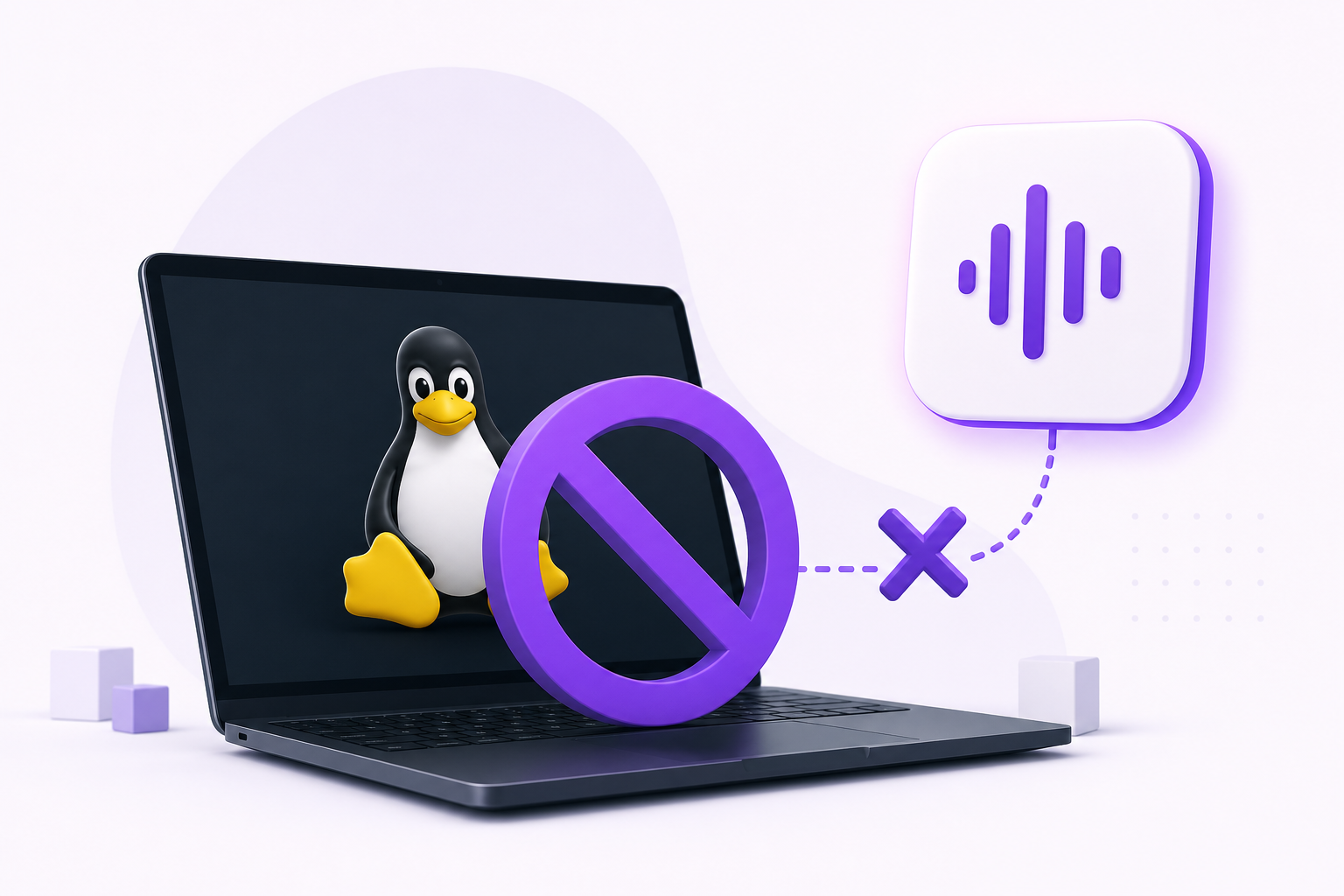
There is one thing about Ubuntu that decides which dictation tools will work for you, and almost no guide mentions it: Ubuntu has defaulted to a Wayland session since 21.04.
That matters because most Linux dictation tools inject text using xdotool, which is X11-only. Under Wayland they silently type nothing, with no error. If you have already tried a well-reviewed Linux dictation tool on Ubuntu and got no output at all, this is almost certainly why.
Worse, the escape hatch is closing. Ubuntu 25.10's GNOME edition is Wayland-only, and GNOME 50 dropped the X11 session in March 2026. "Just switch back to X11" is no longer generally available advice.
There is also news from Canonical: Ubuntu now has its own dictation tool in preview. Myna arrived as a technology preview on 12 October 2026. What it does, and how it compares, is below.
Which tools work on Ubuntu's default session
| Tool | Ubuntu on Wayland | Install |
|---|---|---|
| Vibe Typer | Yes, native | AppImage |
| Myna preview | Yes, GNOME only | PPA |
| Vocalinux | Yes | One-line script |
| VOXD | Yes, via ydotool |
.deb |
| Handy | Partial, needs wtype or dotool |
AppImage |
| nerd-dictation | Partial, swap out xdotool |
pip + git |
| Talon | No, X11 only | Installer |
| Speech Note | Partial, needs ydotool |
Flatpak |
The GNOME complication: wtype does not work on GNOME because GNOME does not implement the virtual-keyboard protocol. Since GNOME is Ubuntu's default desktop, any tool whose Wayland answer is "install wtype" fails on stock Ubuntu. There you need ydotool, which means a uinput daemon and usually a reboot.
Full comparisons: Linux dictation software, 10 tools compared, and the best AI voice typing apps for Linux, 16 that actually run.
Myna: Ubuntu's own dictation preview
Canonical released Myna as a technology preview on 12 October 2026, with a feedback thread on Ubuntu Discourse. It is free, open source under the AGPL, and runs entirely on your machine: once the model has downloaded, it needs no internet connection, and Canonical says audio is not uploaded or stored.
What it does:
- Types into the app you are using. Put the cursor in a text field, press your shortcut, speak, and press it again. Myna inserts text as an input method, the way IBus enters other scripts, so it sidesteps the
xdotoolandwtypeproblems above. - Lets you choose the speech model: NVIDIA's Parakeet for 25 languages, OpenAI's Whisper for 99, or Alibaba's FunASR for Chinese, Japanese, Korean, Cantonese and English. Parakeet and Whisper can use an NVIDIA GPU; other machines run them on the CPU.
- Dictation only. It is not a voice assistant and does not take voice commands.
Where it stops, for now:
- Ubuntu 24.04 LTS, 26.04 LTS and 26.10 on 64-bit Intel and AMD, with GNOME on Wayland. Not X11 sessions, KDE, Xfce or other distros yet; Canonical plans other desktops later.
- No published accuracy or speed figures. What you get depends on the model you pick and your hardware.
- No editing step after transcription: it types what the model returns, with the model's own punctuation. No personal dictionary.
- It is preview software. Canonical warns of rough edges and changes before a stable release.
To try it, from Canonical's post:
sudo add-apt-repository ppa:canonical-desktop-team/myna
sudo apt install myna-config
Then open Myna settings from Activities and follow the setup.
Myna or Vibe Typer?
| Myna | Vibe Typer | |
|---|---|---|
| Speech recognition | On your machine | In the cloud, in memory, no recordings or transcripts on our servers |
| Linux | Ubuntu 24.04, 26.04, 26.10 | Ubuntu, Fedora, Debian, Arch and Mint |
| Desktop and session | GNOME on Wayland | GNOME, KDE Plasma, Cinnamon, Hyprland and others, on Wayland or X11 |
| Accuracy and speed | Depend on the model and your hardware | Large models on server hardware, the same on any laptop |
| Cleanup | The model's own punctuation | Magic Formatter, our own model: filler words, self-corrections, punctuation, paragraphs and lists |
| Languages | Up to 99 with Whisper | 99, detected automatically |
| Other devices | Ubuntu only | Mac, Windows, iPhone and Android |
| Price | Free, open source | Free to start, no card; Pro $8/month billed annually |
| Status | Technology preview | Released |
Pick Vibe Typer on any Ubuntu desktop or session, stock GNOME on Wayland included: Magic Formatter cleans up filler words and self-corrections, and the same dictation goes with you to your Mac, Windows PC or iPhone. Myna, for now, is a technology preview for stock Ubuntu with GNOME on Wayland.
Installing on Ubuntu
Vibe Typer is one AppImage, with no repository to add, and it types on Wayland natively, with no xdotool underneath.
Pick your hotkey inside the app. On Ubuntu 26.04 LTS and 26.10, GNOME asks you once to confirm it and once to let Vibe Typer type, with no password; on 24.04 and 22.04, Vibe Typer offers a one-time Wayland setup after you sign in.
Vibe Typer runs on Ubuntu 22.04 and later, on both X11 and Wayland.
Snap, deb, Flatpak or AppImage on Ubuntu?
Ubuntu pushes snaps, and Myna is built from them: its installer sets up the confined parts for you. For other dictation tools, snap confinement can get in the way of microphone access and global hotkeys, so their AppImage or Flatpak builds are usually easier. Vibe Typer ships as an AppImage, with no confinement to fight.
If you prefer Flatpak, Ubuntu does not ship it configured:
sudo apt install flatpak
flatpak remote-add --if-not-exists flathub https://flathub.org/repo/flathub.flatpakrepo
Microphone and PipeWire
Ubuntu has used PipeWire as the default audio server since 22.10. Most issues come down to which input is selected, so check Settings → Sound → Input and confirm the right device is active and the level moves when you speak.
If a tool cannot see your microphone at all, wpctl status lists what PipeWire has. More in audio input issues.
Terminal paste behaviour
GNOME Terminal pastes with Ctrl + Shift + V, and tools that insert text by simulating Ctrl + V get this wrong constantly. Vibe Typer sends the right combination for known terminals and Shift + Insert for Konsole and the VS Code and Cursor integrated terminals, and you can override it per app in text insertion and paste preferences.
Ubuntu flavours
Kubuntu, Xubuntu and Ubuntu MATE mostly still default to X11, which, as with Linux Mint, means a longer list of tools works, Talon included.
Myna does not support these flavours yet, since it needs GNOME on Wayland.
Check which session you are in:
echo $XDG_SESSION_TYPE
wayland or x11. Worth running before you choose anything.
The tools with no Ubuntu build at all
Dragon Professional is Windows only, and Nuance explicitly does not support Wine or VMs. Aqua Voice, Wispr Flow, SpeechPulse and TypeWhisper have no official Linux dictation app either. PulseScribe lists Linux on its roadmap.
Superwhisper sits between the two lists: its Linux preview supports Ubuntu only from 24.04, on Wayland with GNOME or KDE Plasma, with no support for Ubuntu 22.04 or X11 sessions. Vibe Typer runs on Ubuntu 22.04 and later, on Wayland and X11 alike.
Coming from one of them: Wispr Flow, Superwhisper, Dragon and TypeWhisper have dedicated guides.
Which should you pick?
Zero setup on Ubuntu 26.04 LTS and 26.10, works everywhere → Vibe Typer. Free to start, no card. Cloud-based: audio is processed in memory, with no recordings or transcripts on our servers, and nothing trains on your voice.
Stock Ubuntu, GNOME on Wayland → Vibe Typer types natively there, with no ydotool daemon or outside tools to set up.
Kubuntu, Xubuntu or another X11 flavour → Vibe Typer, the same app and hotkey on X11, KDE Plasma and Xfce included.
More at voice typing for Linux.
FAQ
Does Ubuntu have built-in dictation?
Ubuntu has no built-in dictation yet. Canonical's Myna is a technology preview from October 2026, installed from a PPA, and it runs only on Ubuntu 24.04 or later. For dictation today, use Vibe Typer: it works on every Ubuntu desktop and session from 22.04, GNOME on Wayland included, and cleans up filler words and self-corrections before the text lands.
What is Myna on Ubuntu?
Myna is Canonical's speech to text technology preview for Ubuntu Desktop, released on 12 October 2026, and Canonical warns of rough edges. It runs only on Ubuntu 24.04 or later and is dictation only, with no voice commands. Press a shortcut, speak, press it again, and the text appears in the focused app. It's free and open source, and runs the model you choose on your own machine, so speed and accuracy depend on your hardware. For dictation on any Ubuntu desktop or session from 22.04, with filler words and self-corrections cleaned up, use Vibe Typer.
Should I use Myna or Vibe Typer on Ubuntu?
Vibe Typer. It works on GNOME, KDE, Xfce and other desktops, on Wayland or X11, and on other distros too. Magic Formatter cleans up filler words and self-corrections, and the same app runs on Mac, Windows and iPhone. It transcribes in the cloud, so accuracy and speed don't depend on your hardware. Audio is processed in memory, with no recordings or transcripts on our servers. Myna, Canonical's own preview, covers stock Ubuntu with GNOME on Wayland for now.
What is the best dictation software for Ubuntu?
Vibe Typer. It works on any desktop or session, Ubuntu's default GNOME on Wayland included, with zero setup on Ubuntu 26.04 LTS and 26.10 and a one-time guided setup on 24.04 and 22.04, and Magic Formatter cleans up filler words and self-corrections. Myna, Canonical's own speech to text preview, covers stock Ubuntu with GNOME on Wayland for now.
Why does my Linux dictation tool type nothing on Ubuntu?
Almost always Wayland. Tools built on xdotool cannot inject keystrokes into other windows under Wayland and fail silently. Run echo $XDG_SESSION_TYPE to confirm your session. Vibe Typer is the pick: it types natively on Wayland, GNOME included, and on X11.
Does Ubuntu use Wayland or X11?
Wayland by default since 21.04. Ubuntu 25.10's GNOME edition is Wayland-only, and GNOME 50 removed the X11 session entirely in March 2026. Some flavours such as Kubuntu and Xubuntu still default to X11.
Is there free dictation software for Ubuntu?
Yes. Vibe Typer is free to start with no card, with Magic Formatter on the free plan too. It runs on Ubuntu 22.04 and later, on Wayland and X11.
Should I install dictation software as a snap on Ubuntu?
It depends on the tool. Myna is built for snaps and its installer handles them. For other dictation tools, snap confinement can get in the way of microphone access and global hotkeys, so an AppImage or Flatpak build is usually easier. Vibe Typer is the pick: it ships as one AppImage, with no confinement to fight.
Try Vibe Typer free
Voice typing that works in every app on Linux, Windows, Mac, iPhone and Android. Free to start, no card needed.
Download free