Dragon NaturallySpeaking on Linux: Alternatives That Actually Run

Written by Futsy, founder at Vibe Typer
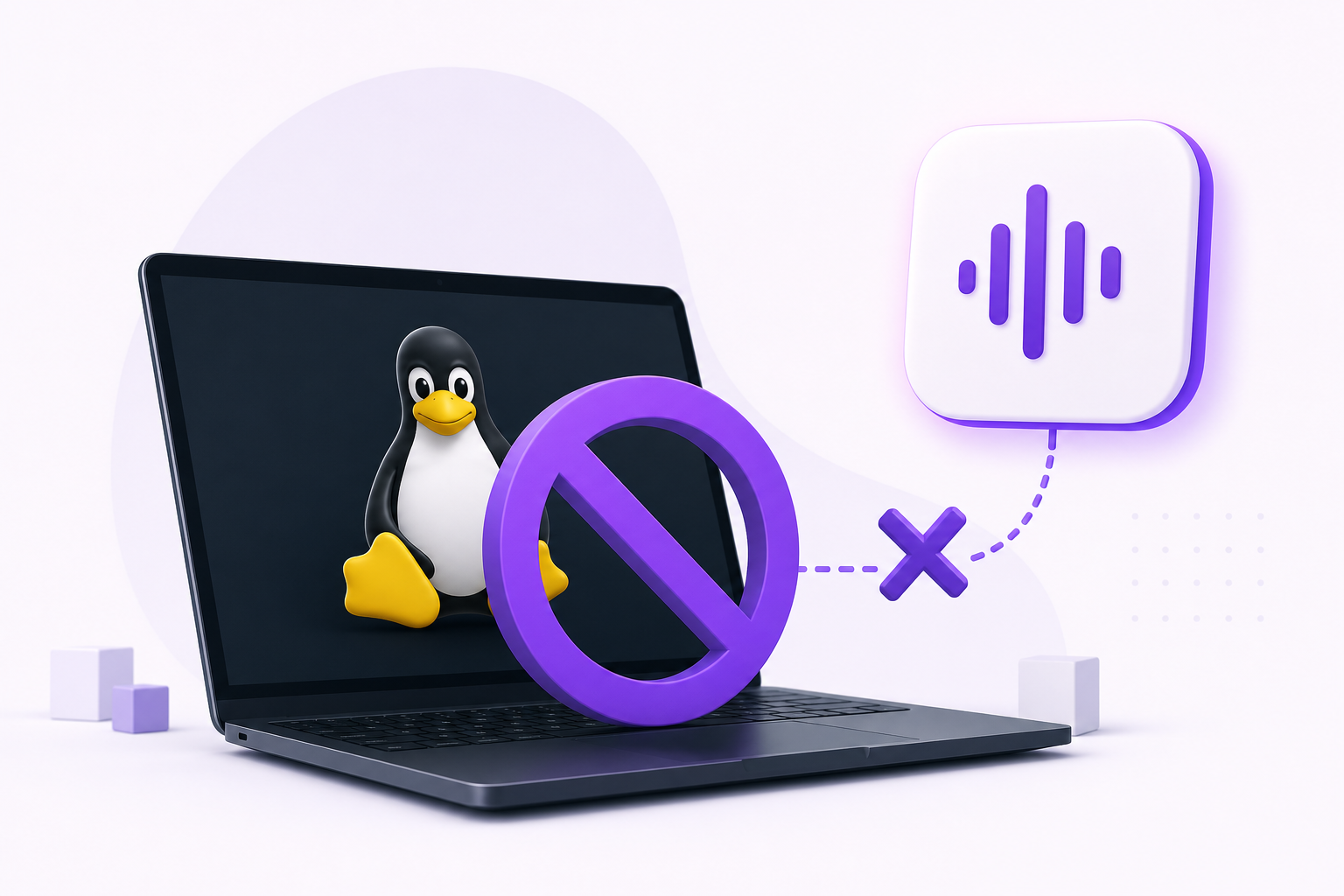
Dragon Professional runs on Windows. Nuance's page lists Windows 11 optimisation with Windows 10 compatibility and nothing else (Dragon Professional), and Nuance's own support documentation states that running Dragon under Wine, VMware or Virtual PC is not supported (Nuance on virtualised environments).
If you are moving to Linux and Dragon was the thing keeping you on Windows, this is the honest version of your options.
First, a distinction that decides which half of this page you need. Dragon does two different jobs:
- Dictation: speak, text appears.
- Voice control: "click Save", "scroll down", "switch window", navigating the machine hands-free.
Most tools called "Dragon alternatives" are built for the first. The second is a different job, covered further down.
Can you run Dragon on Linux with Wine or a VM?
People do, and it is worse than it sounds.
Wine. Older releases, around Dragon NaturallySpeaking 12, could be coaxed into running under PlayOnLinux, and there are blog write-ups from the Ubuntu 12.04 days to prove it. Reports from people who tried it for real work land on the same conclusion: not stable enough to depend on. Modern Dragon Professional versions are worse candidates.
A Windows VM. This works, in the sense that Dragon runs. What breaks is the bridge. The LinuxNaturallySpeaking project exists precisely because you need a server on the Windows side forwarding keystrokes to a client on the Linux side. The project's own README is candid about the consequence: Dragon has no idea what is on your Linux screen, so it cannot see cursor position, cannot see the words already typed, and gets capitalisation and spacing wrong as a result. Dragon's accuracy depends heavily on context, and a VM bridge is exactly where that context goes missing.
Add the resource cost, a Windows VM with 8GB of RAM and Dragon's large temporary files, and you are running a whole second operating system to type.
What actually works on Linux
| Runs on Linux | Dictation | Voice control | Cost | |
|---|---|---|---|---|
| Dragon Professional v16 | No (Wine/VM unsupported) | Yes | Yes | Price on request, Windows |
| Vibe Typer | Yes (AppImage, Wayland + X11) | Yes | No | Free tier, Pro $8 a month billed annually |
| Talon Voice | Yes (X11 only) | Yes | Yes | Free, paid beta access |
| nerd-dictation | Yes (X11-first) | Yes | Basic | Free |
| Handy | Yes (limited on Wayland) | Yes | No | Free |
What Dragon costs, and what Vibe Typer costs
Price is usually the second reason people search for a Dragon alternative. Nuance no longer publishes one for Dragon Professional v16, its Windows licence: the Dragon Professional page sends buyers to its sales team. Dragon Professional Anywhere, the cloud version, is a subscription with no list price either. Nuance sells no Dragon for Mac.
Vibe Typer is free to start with no card, and Pro is $8 a month billed annually or $10 month to month. Over three years that is $288, and the licence follows you across Linux, Windows, macOS, iPhone and Android, where a Dragon licence stays on one Windows install.
If you are not on Linux and just want something cheaper than Dragon, Vibe Typer's plans and prices are the same on Windows and macOS, and the full competitor comparison puts Dragon next to Wispr Flow and Superwhisper.
If you need voice control as well as dictation
If you came to Dragon for hands-free computing because RSI, a mobility impairment, or an injury makes the keyboard the problem, you are describing a different job from dictation: operating the whole machine by voice.
Voice-control tools such as Talon Voice take that on, but on Linux Talon runs on X11 sessions only and takes time to learn. It works through spoken commands, mouse control via eye tracking or noise, and a scriptable grammar with community command sets for editors and IDEs.
Vibe Typer types what you say into any app, cleans it up on the way, and rewrites selected text when you ask it to by voice. If typing is the bottleneck, it takes that work off your hands.
For the middle ground, where you type fine but want to type less to protect your hands, see preventing RSI with voice typing and voice typing for RSI recovery.
If you need dictation, and you want it to just work
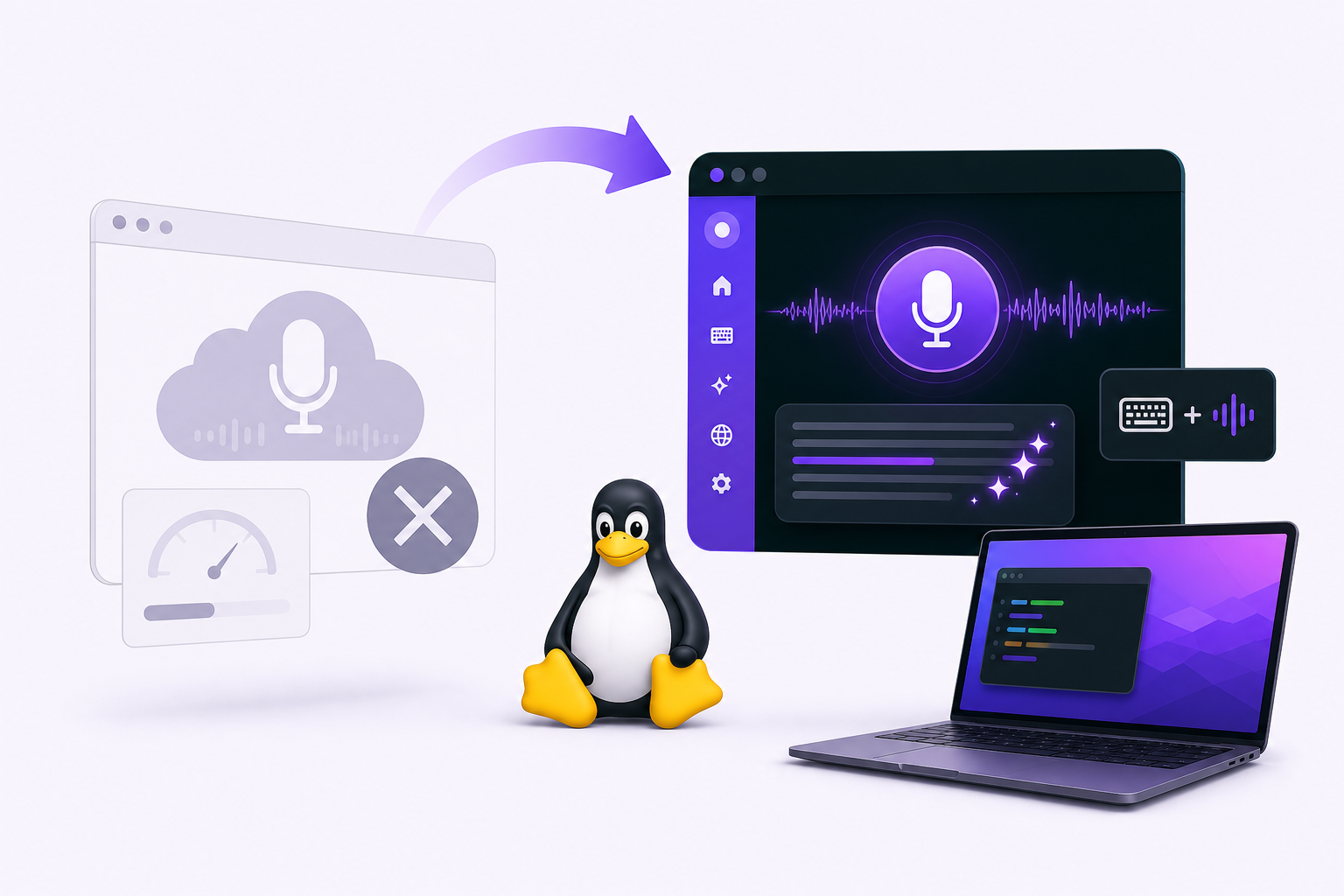
This is where Vibe Typer fits: one portable AppImage, with no repository to add and no dependencies to chase.
It runs natively on Wayland and X11. That is worth stressing, because most Linux dictation tooling is X11-only and silently stops working when a distro flips its default session. Why most voice typing tools break on Wayland covers why.
Press a hotkey, talk, and clean text lands wherever your cursor is: terminals, editors, browsers, chat, email. Magic Formatter strips the ums and self-corrections on the way through. It also rewrites text you select by voice, shorter or more formal, so there's nothing to retype.
The same AppImage works on Ubuntu, Fedora, Debian, Arch and Linux Mint. Free to start, no card.
What changes when you move from Dragon
Where your audio goes. Vibe Typer transcribes in the cloud. Audio is processed in memory, with no recordings or transcripts on our servers. Nothing trains on your voice.
Your vocabulary. Vibe Typer's custom dictionary fixes names, jargon and product terms to the way you write them, which handles most professional writing.
Setup. No per-user training session, no GPU requirement, 99 languages with no model downloads, and one licence across Linux, Windows, macOS, iPhone and Android at $8 a month billed annually.
Installing Vibe Typer on Linux
Vibe Typer is one AppImage from the downloads page, and the first time you run it, it asks you to sign in.
If a specific terminal handles inserted text oddly, the text insertion and paste preferences doc covers the per-app settings.
Verdict
Dragon does not run on Linux, and the Wine and VM routes cost you the context Dragon needs to be accurate in the first place. For dictation on Linux, use Vibe Typer: one AppImage, a hotkey, and clean text in any app on Wayland and X11, with no setup on GNOME 48 or later, KDE Plasma 6 or X11.
More context in voice typing for Linux and the full Linux tool roundup.
FAQ
Does Dragon NaturallySpeaking work on Linux?
No. Dragon Professional is Windows-only, and Nuance's support documentation explicitly states that Wine, VMware and Virtual PC are not supported environments.
Can I run Dragon under Wine on Ubuntu?
Older versions could sometimes be made to run via PlayOnLinux, but reports consistently describe it as too unstable for daily work, and it is unsupported by Nuance. Current Dragon Professional releases are poor Wine candidates.
Can I run Dragon in a Windows VM and type into Linux?
Technically yes, using a bridge such as LinuxNaturallySpeaking. In practice Dragon cannot see your Linux screen, so it loses cursor position and surrounding text, which breaks capitalisation, spacing and the context its accuracy depends on.
What is the best Dragon alternative for Linux?
Vibe Typer. It types clean text into any app on Wayland and X11 from one AppImage, with no setup on GNOME 48 or later, KDE Plasma 6 or X11. Magic Formatter strips the ums and self-corrections, and its custom dictionary keeps names and jargon spelled your way. It also runs on Windows, macOS, iPhone and Android, so one licence covers every machine you dictate on.
What happens to my audio in Vibe Typer?
Vibe Typer transcribes in the cloud. Audio is processed in memory, with no recordings or transcripts on our servers. Nothing trains on your voice.
What does Vibe Typer cost compared with Dragon NaturallySpeaking?
Vibe Typer is free to start with no card, then $8 a month billed annually, on Linux, Windows, macOS, iPhone and Android. Dragon Professional v16 is a Windows licence with no published price: Nuance sells it through its sales team. Dragon Professional Anywhere is a subscription with no list price either. I'd pick Vibe Typer: the price is public, and one plan covers all five platforms.
Is there a cheaper Dragon alternative for Windows or Mac?
Yes. Vibe Typer runs on Windows, macOS, iPhone and Android as well as Linux: free to start, then $8 a month billed annually on Pro. Dragon Professional is a Windows licence that Nuance sells through its sales team, and Nuance sells no Dragon for Mac, so Mac users have no current Dragon at all. See the full competitor comparison for how it stacks up against Wispr Flow and Superwhisper on those platforms.
Is Vibe Typer suitable for accessibility or RSI use?
Yes, for cutting typing load: press a hotkey, speak, and clean text lands in any app, so your hands type far less. Magic Formatter cleans up ums and self-corrections, so there is less to fix by keyboard afterwards.
Try Vibe Typer free
Voice typing that works in every app on Linux, Windows, Mac, iPhone and Android. Free to start, no card needed.
Download free