Reduce Repetitive Strain: Why Voice Typing Can Be a Healthier Choice

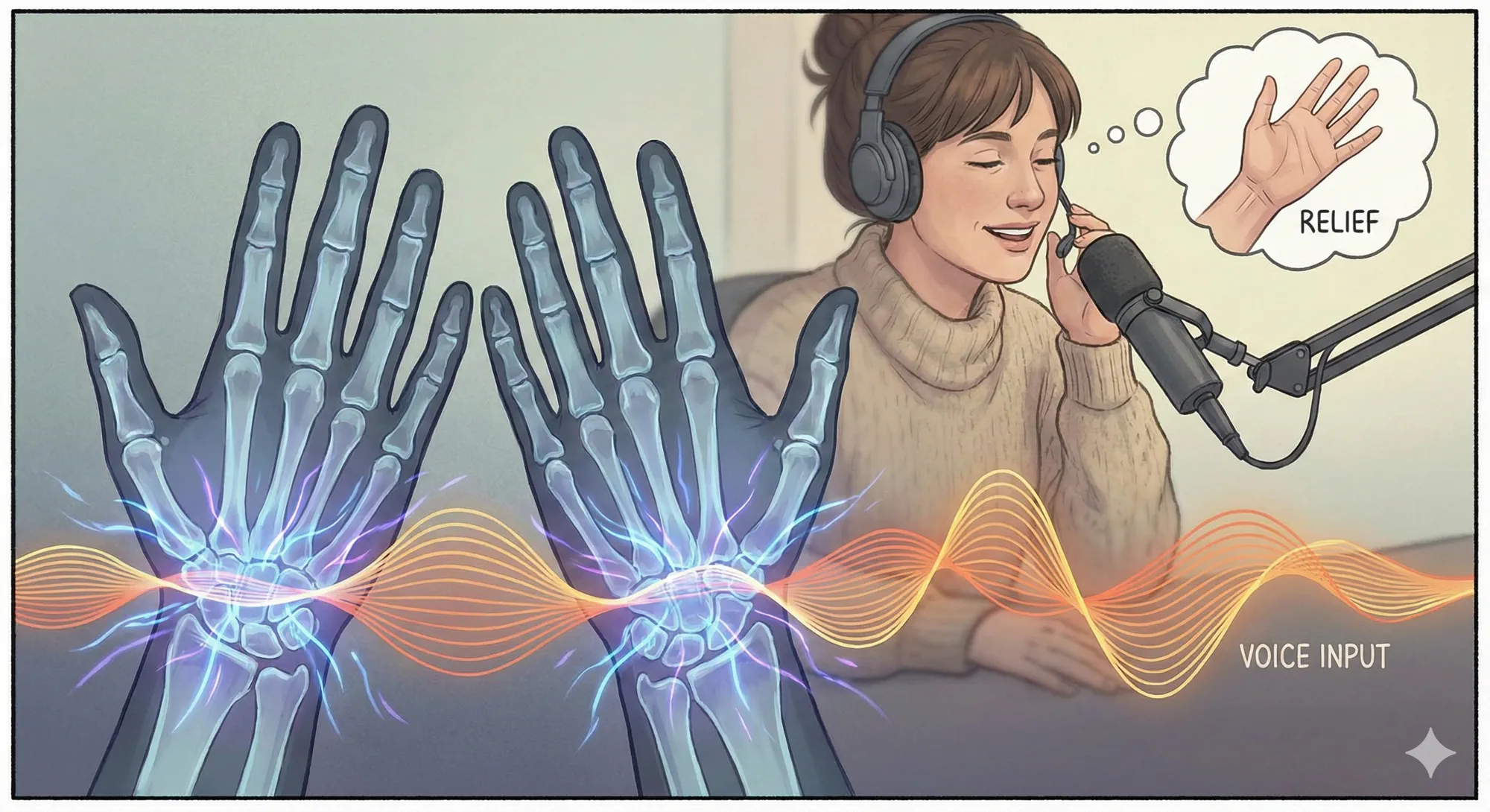
Painful wrists, tingling fingers, and numb hands are common among people who type all day. Repetitive computer work can contribute to discomfort, especially when it is paired with awkward posture, long sessions, or poor workstation setup. If you already have pain, numbness, tingling, or weakness, treat this article as general ergonomics guidance and speak with a qualified clinician.
Voice dictation can help by moving suitable writing tasks away from the keyboard. That means fewer repetitive keystrokes during emails, notes, documentation, tickets, and first drafts.
Not sure how much risk your current habits carry? Try the free RSI risk calculator: enter your daily typing hours, symptoms, and job type to get a personalised score.
How voice typing reduces keyboard load
Reduces hand and wrist movements
You speak instead of typing for the tasks that suit it. How much you save depends on what you write, but routine messages and notes moved to voice are keystrokes you no longer make.
Lets you sit back
You can sit back, drop your arms, and dictate from a neutral posture, which cuts the time your wrists spend bent over a keyboard.
Keeps you fast
You might worry that dictation will slow you down. In practice, many people find it faster for rough drafts and messages, then use the keyboard for final corrections. A Stanford study found speech input faster than keyboard input in a mobile phone text-entry experiment.
Gets ideas out faster
Saying a thought aloud is often easier than typing it, especially when you are stuck. Get the rough version out, then edit. Vibe Typer's AI rewrite can then fix tone and wording with one command.
Additional tips for healthy computer use
Even with voice typing, you should still practice ergonomic habits:
- Stand up, stretch, and change position regularly.
- Put your monitor at eye level, use a chair with proper lumbar support and keep elbows at a 90-degree angle.
- Get a decent headset or desk microphone. It improves accuracy and lets you dictate from a relaxed position.
- Mix voice typing with keyboard shortcuts and text expansion to spread the work across different muscles.
Start reducing keyboard load
Hand and wrist discomfort is not an inevitable cost of digital work. Replacing some repetitive keystrokes with voice dictation cuts keyboard load without costing you output. With Vibe Typer you dictate into desktop applications, rewrite drafts, and generate replies with less manual typing.
In a recent pilot at Fraser Street Medical, 10 Medical Office Assistants saved 60-90 minutes per day on documentation. Read the full case study.
Download Vibe Typer and test a lower-keystroke writing workflow for a week.
Try Vibe Typer free
Voice typing that works in every app on Linux, Windows, and macOS. Free to download: 2,000 words a month, no card.
Download free