Superwhisper for Linux: early builds and the alternatives

Written by Futsy, founder at Vibe Typer
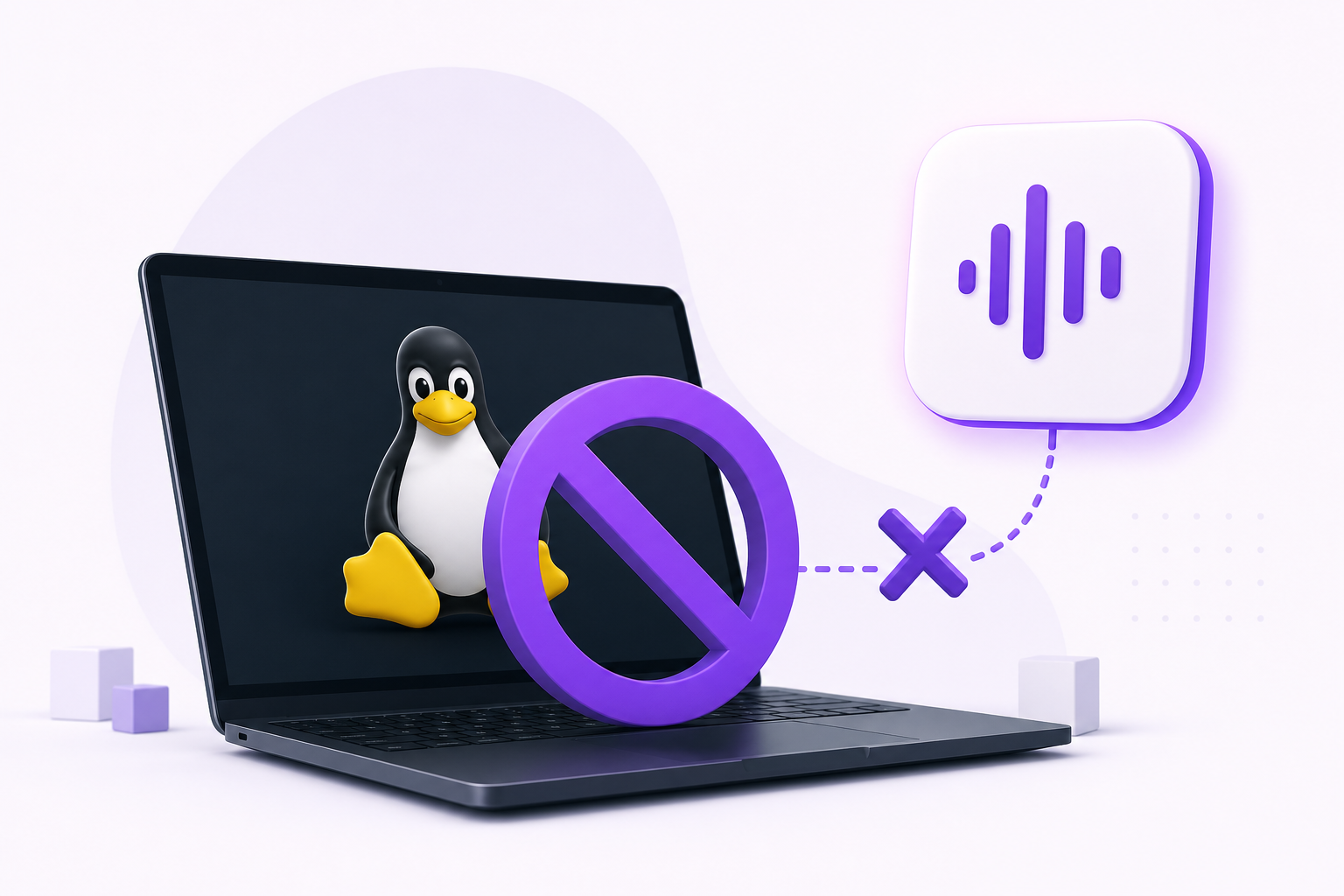
Superwhisper's Linux version is still a preview (Superwhisper for Linux), and it runs only on Wayland with Hyprland, KDE Plasma or GNOME, on recent Arch, Ubuntu, Fedora, Debian, Mint and openSUSE releases. That holds whether you searched for Superwhisper Linux, super whisper Linux, Superwhisper Ubuntu, or OpenSuperWhisper Linux.
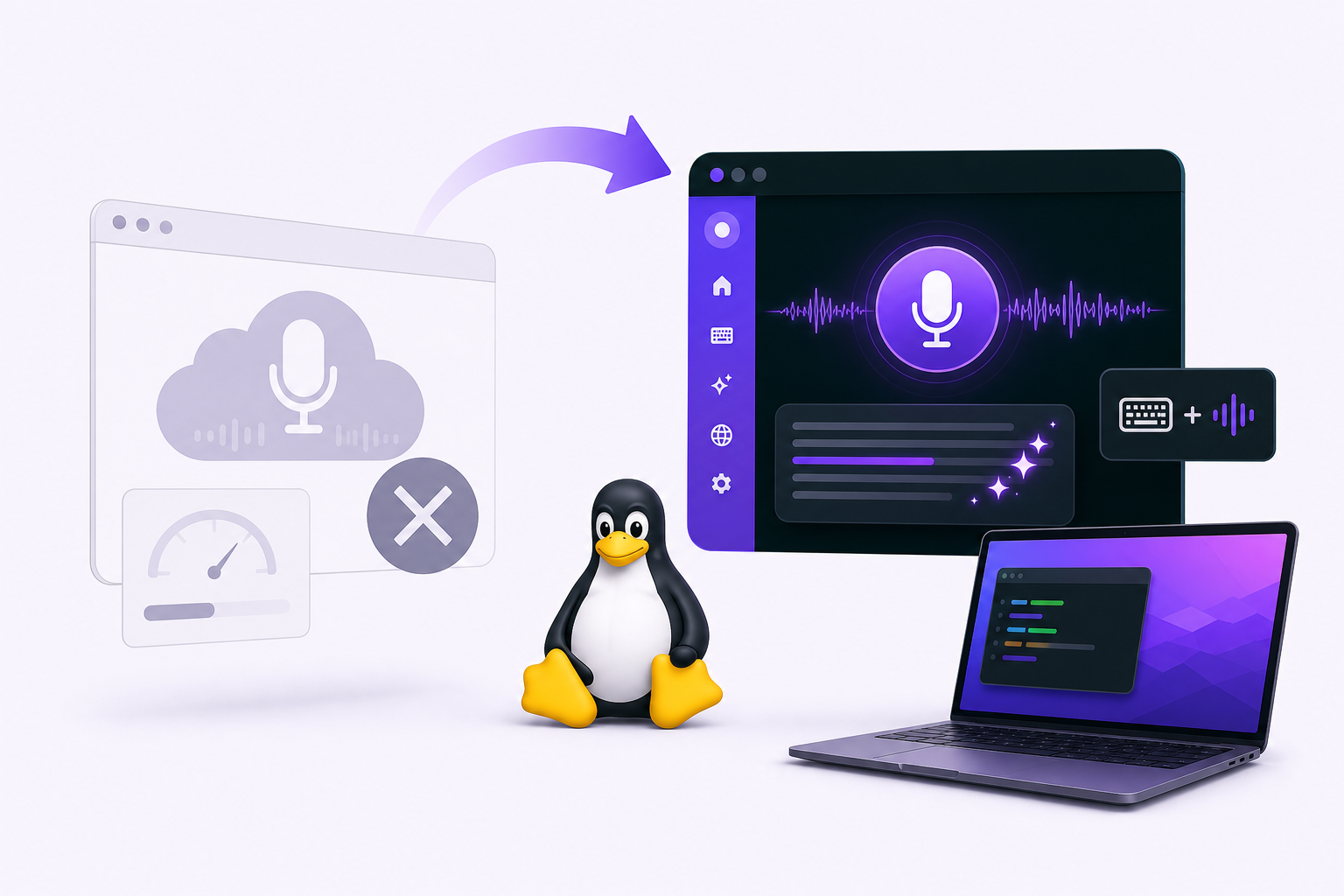
So here is the thing a search result cannot hand you: Vibe Typer, a voice typing app you can install on Linux today. One portable AppImage for Ubuntu, Fedora, Debian, Arch and Linux Mint, running natively under both Wayland and X11. Your words land wherever your cursor is: terminals, editors, browsers, chat.
Does Superwhisper work on Linux?
Only on Wayland. Superwhisper's Linux page lists Omarchy 4.0 or newer, Arch, CachyOS, Ubuntu 24.04 or newer, Linux Mint 22 or newer, Debian 13 or newer, Fedora 40 or newer and openSUSE Tumbleweed, and says it needs Wayland with Hyprland, KDE Plasma or GNOME, and systemd. It installs with a one-line script or from a tar.zst archive. There is no AppImage, deb, rpm or Flatpak, and its README calls it a preview.
On an X11 session, on Xfce, Cinnamon, MATE or COSMIC, or on Ubuntu 22.04 or Mint 21, Superwhisper has nothing to install. That leaves browser-only dictation, which can't reach your terminal or editor, or a desktop app that runs there, like Vibe Typer.
What Superwhisper's Linux builds are
Here is what Superwhisper for Linux is, from its own Linux page and release notes, as of 5 November 2026:
- Packaging: a one-line install script, or tar.zst archives for x86-64 and ARM that carry the same installer. No AppImage, deb, rpm, Flatpak or AUR package.
- Desktops: Hyprland, Omarchy included, KDE Plasma, where it can type through fcitx5, and GNOME, through a Shell extension, all on Wayland. It needs Wayland, so X11 is not supported, and neither are other desktops. On GNOME older than 48, hold to talk does not work yet.
- Superwhisper's models: offline models on your machine and cloud models with a free word allowance. On ARM, the offline models need an ARMv8.2 CPU or newer.
- Omarchy: since Omarchy 4.5, released 4 November 2026, Superwhisper is Omarchy's default dictation engine, set up out of the box. Vibe Typer runs on Hyprland too, Omarchy included, from the same AppImage that covers X11, Xfce, Cinnamon and COSMIC.
If you are on X11, on a desktop other than those three, or on Ubuntu 22.04 or Mint 21, there is nothing to install.
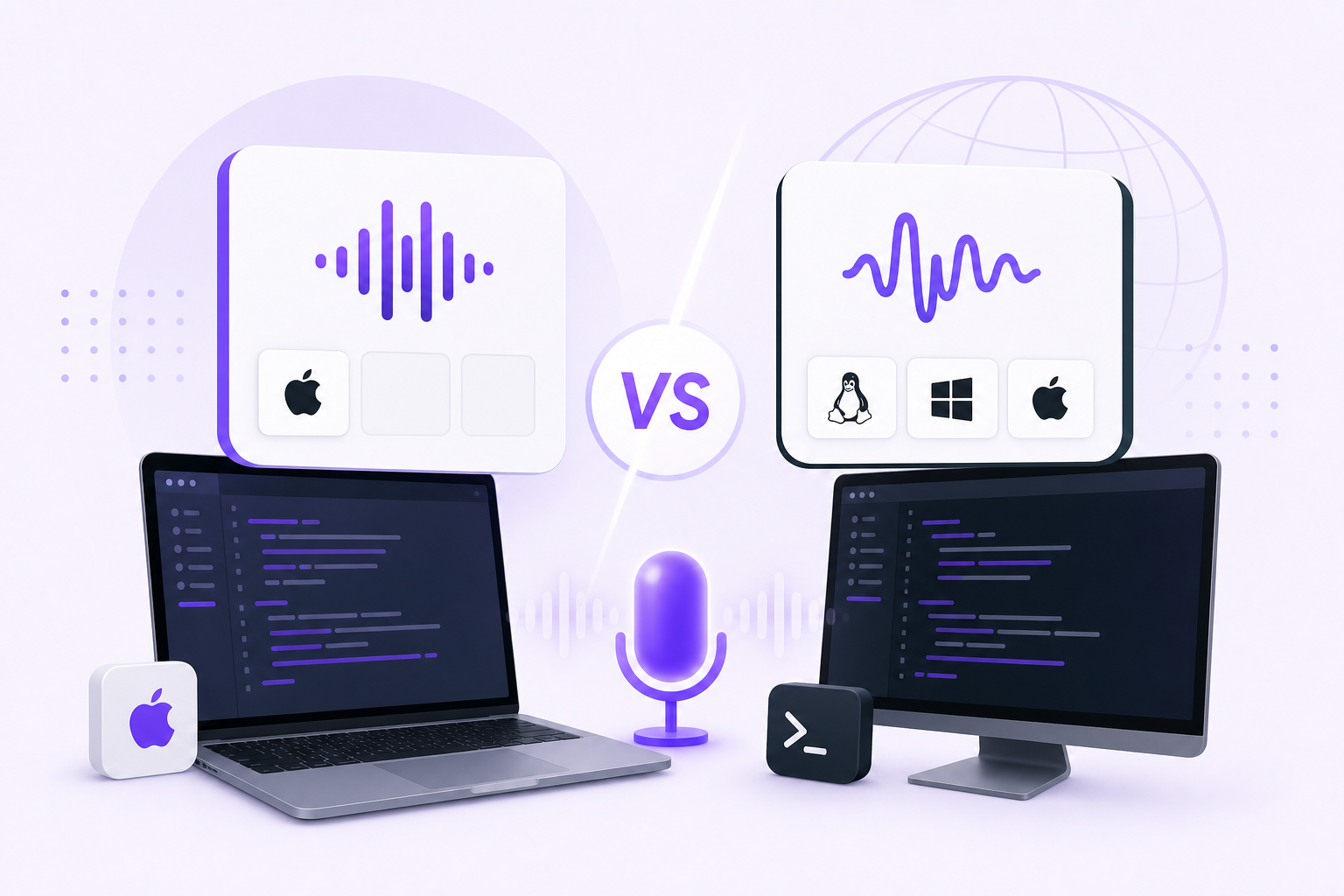
Superwhisper vs Vibe Typer on Linux
| Superwhisper | Vibe Typer | |
|---|---|---|
| Linux download | Yes, preview, by install script or tar.zst | Yes, portable AppImage |
| Ubuntu / Fedora / Debian / Arch / Mint | Recent releases, Wayland only | Yes, one build for all |
| Wayland | Hyprland, KDE Plasma or GNOME only | Yes, native |
| X11 | No | Yes, native |
| macOS | Yes | Yes |
| Windows | Yes | Yes |
| iOS | Yes | Yes |
| System-wide dictation | Yes | Yes |
| AI rewrite / reply | Yes | Yes |
| Free plan | Yes: offline models whose speed and accuracy depend on your hardware, plus a capped cloud allowance | Yes, Magic Formatter included |
On Linux the comparison turns on your session and desktop: on X11, or on Xfce, Cinnamon, MATE or COSMIC, only one of the two installs.
How Vibe Typer handles your audio
Vibe Typer transcribes in the cloud, which gives you accuracy that does not depend on your GPU, 99 languages with no per-language model downloads, and Magic Formatter cleaning up the ums and false starts before the text lands. Audio is processed in memory, with no recordings or transcripts on our servers. Nothing trains on your voice.
Superwhisper for Ubuntu
superwhisper ubuntu is one of the more common ways people arrive here. Superwhisper supports Ubuntu only from 24.04, on a Wayland session, through its install script. There's no PPA, snap or Flatpak, and no support for Ubuntu 22.04 or X11 sessions.
Vibe Typer runs on Ubuntu 22.04 and later from one AppImage, with no repository to add.
On GNOME Wayland, Ubuntu's default since 21.04, tools built around xdotool fall over because they rely on X11 key injection. Vibe Typer types at the cursor without it. If a specific terminal handles inserted text oddly, the text insertion and paste preferences doc covers the per-app settings.
OpenSuperWhisper and Linux
Worth separating, because people search these interchangeably. OpenSuperWhisper is a different project: an MIT-licensed open-source Whisper app for Macs with Apple silicon, unaffiliated with Superwhisper. It has no Linux or Windows build. Superwhisper itself is closed source.
If you found it while looking for a dictation app you can run on Linux, Vibe Typer runs there today, and the roundup covers every tool that ships a real Linux build.
Wayland, X11, and why Linux dictation is hard
Most dictation tools that "support Linux" support X11, because X11 lets any process synthesise keystrokes into any window. Wayland deliberately does not, which was the point of its security model, so tools built on xdotool or XTestFakeKeyEvent silently stop working the moment a distro switches its default session.
That is the single biggest reason Linux dictation looks the way it does, and it is worth understanding before you pick anything. See why most voice typing tools break on Wayland.
Vibe Typer ships both paths and picks the right one for your session. Switching from X11 to Wayland migrates your settings across automatically.
Installing Vibe Typer on Linux
Vibe Typer is one AppImage from the downloads page, and the first time you run it, it asks you to sign in.
No repository to add, no dependencies to chase. The same file works on Ubuntu, Fedora, Debian, Arch and Mint.
For Linux developers
Dictation on a developer machine is rarely one app. It is a terminal prompt, then a GitHub issue, then Slack, then a Markdown note, then a comment in your editor. A system-wide hotkey is the whole point; otherwise you are switching tools to switch contexts.
Places it tends to earn its keep first:
- coding-assistant and terminal prompts: see Claude Code, Cursor and OpenCode
- GitHub issues and pull request reviews
- Jira, Linear and other trackers
- Slack, Discord and email replies
- Markdown notes and documentation
Working on a remote box? Vibe Typer runs on the computer in front of you, with your microphone, and types into the SSH session; voice dictation over SSH and in dev containers covers the setup.
Verdict
Superwhisper's Linux version, still in preview, runs only on Wayland with Hyprland, KDE Plasma or GNOME. If you want a polished desktop dictation workflow on Linux, X11 and desktops like Xfce, Cinnamon and COSMIC included, Vibe Typer is the practical answer: one AppImage, native Wayland and X11, system-wide, free to start with no card.
Also worth reading: voice typing for Linux for the full picture of what runs where.
FAQ
Does Superwhisper support Linux?
Only on Wayland, with Hyprland, KDE Plasma or GNOME. As of November 2026, Superwhisper for Linux is in preview, for Arch, Ubuntu 24.04 or newer, Fedora 40 or newer, Debian 13 or newer, Linux Mint 22 or newer and openSUSE Tumbleweed. X11 sessions and desktops like Xfce, Cinnamon and COSMIC aren't supported. Vibe Typer runs on all of them, Wayland and X11, from one AppImage.
Is there a Superwhisper alternative for Linux?
Yes. Vibe Typer ships a Linux AppImage that runs on Wayland and X11, works system-wide, and includes AI rewrite and reply. It also runs on macOS, Windows, iPhone and Android.
Does Superwhisper work on Ubuntu?
Only on Ubuntu 24.04 or newer, on a Wayland session with GNOME or KDE Plasma, through an install script, with no PPA, snap or Flatpak. It doesn't support Ubuntu 22.04 or X11 sessions. Vibe Typer's AppImage runs on Ubuntu 22.04 and later, on Wayland and X11.
What happens to my audio in Vibe Typer?
Vibe Typer transcribes in the cloud. Audio is processed in memory, with no recordings or transcripts on our servers. Nothing trains on your voice.
What is OpenSuperWhisper, and does it run on Linux?
OpenSuperWhisper is a separate MIT-licensed open-source Whisper app for Macs with Apple silicon, unaffiliated with Superwhisper. It has no Linux or Windows build. On Linux, Vibe Typer runs from one AppImage on Wayland and X11.
Is Superwhisper open source?
No. Superwhisper is closed source: its terms forbid extracting the app's source code, and its public GitHub repositories hold plugins, docs and release downloads, never the app's source. OpenSuperWhisper, despite the name, is an unrelated open-source project for Macs.
Can I install Superwhisper on Omarchy or Arch?
Only on Wayland, with Hyprland, KDE Plasma or GNOME. Superwhisper for Linux is in preview and supports Omarchy 4.0 or newer, Arch and CachyOS, from a one-line install script or a tar.zst archive for x86-64 and ARM. Since Omarchy 4.5, released 4 November 2026, it is Omarchy's default dictation engine. Vibe Typer runs on Arch too, from one AppImage, on Wayland and X11, so it's the pick whatever desktop you run.
Is Vibe Typer free?
Yes. Vibe Typer is free to start, no card, with Magic Formatter included. Pro is $8/month billed annually, or $10 billed monthly.
Try Vibe Typer free
Voice typing that works in every app on Linux, Windows, Mac, iPhone and Android. Free to start, no card needed.
Download free