Every App Has Voice Now. But Who's Actually Listening?


Something has shifted over the past year or two. More tools now include a microphone button: project management apps, CRMs, AI writing assistants, customer support platforms, and note-taking tools.
On the surface, this is a good thing. Voice can be a natural fit for drafting and AI-assisted writing. But there's a question worth asking before you use any new voice feature: what happens to your audio after you speak?
Voice is everywhere. Your attention isn't.
When a product adds voice support, it rarely makes the front page. It appears as a small microphone icon in a changelog you skim past, or a new button that shows up in an interface you've used for years. You try it, it works, and you keep using it.
Multiply that across a dozen tools and you're now speaking into a dozen different systems, each operated by a different company, each with its own privacy policy, its own data infrastructure, and its own business incentives.
Most people don't have time to read twelve privacy policies. The practical risk is fragmentation: you may end up relying on several different privacy policies, settings pages, retention rules, and account histories for one simple task.
What could they actually be doing with it?
Every service is different, so you should check each product's own privacy policy and settings. Questions to ask include:
- Are recordings stored after transcription?
- Are transcripts saved in your account history?
- Can audio or transcript data be used to improve the service?
- Are third-party processors involved?
- How do deletion, export, and opt-out controls work?
Most companies aren't behaving badly. But each new built-in voice feature is another place where you need to know the rules.
Why your voice is different
You might feel comfortable with a SaaS tool storing your typed notes. But your voice is different, and it's worth thinking about why.
When you speak, you reveal things you wouldn't put in writing. You ramble. You think out loud. You mention names, describe frustrations, reference confidential projects, and express opinions in ways that feel safe precisely because they feel private. The intimacy of speech is part of what makes it such a good input method, but it's also what makes audio data unusually sensitive.
If you discovered tomorrow that one of the tools in your daily workflow had been storing every voice note you'd ever made, it would feel like a serious violation. Not because you said anything wrong, but because the expectation of privacy was broken. What felt like a conversation was a recording.
Voice data deserves an explicit privacy review, not assumptions.
The fragmentation problem
Even setting privacy aside, per-app voice features are frustrating to use. Every tool implements it slightly differently. Accuracy varies. Latency varies. Some require clicking through settings to enable it. Some only work in certain fields. Some don't handle punctuation well. Some drop out mid-sentence.
You end up adapting your speaking style to each tool, pausing in different places and dictating in shorter phrases in one app and longer ones in another, which defeats most of the naturalness that makes voice attractive in the first place.
You've traded one consistent keyboard experience for a patchwork of inconsistent microphone experiences, spread across tools you don't fully trust.
A different approach
Vibe Typer was built on a different assumption: that voice input should work the same way across the apps where you write, and that what you say is not the product.
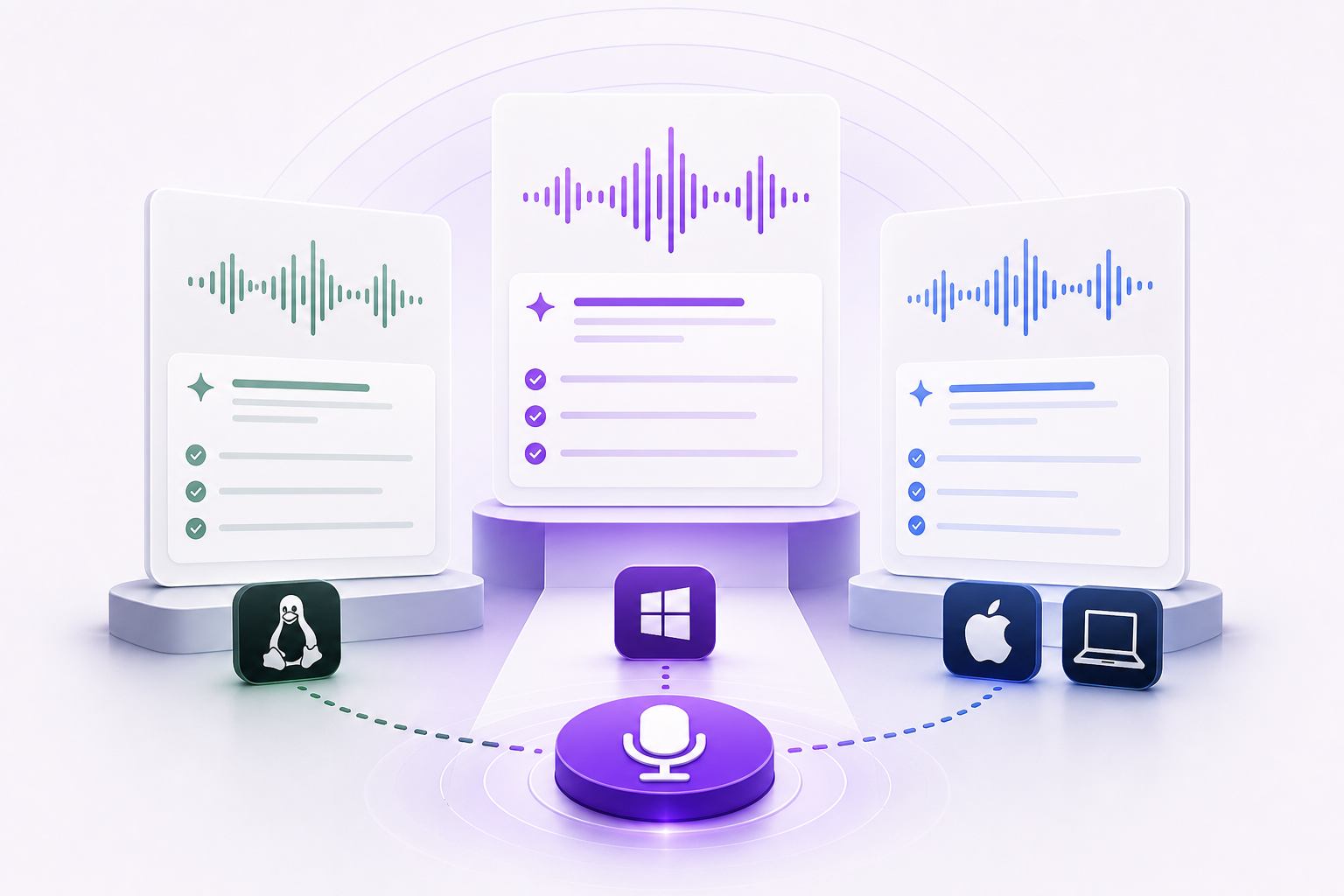
Vibe Typer gives you one way to voice type across all the apps where you already write. You trigger it with a global shortcut, speak, and keep working in your current app, whether that's your email client, your CRM, your code editor, or your terminal.
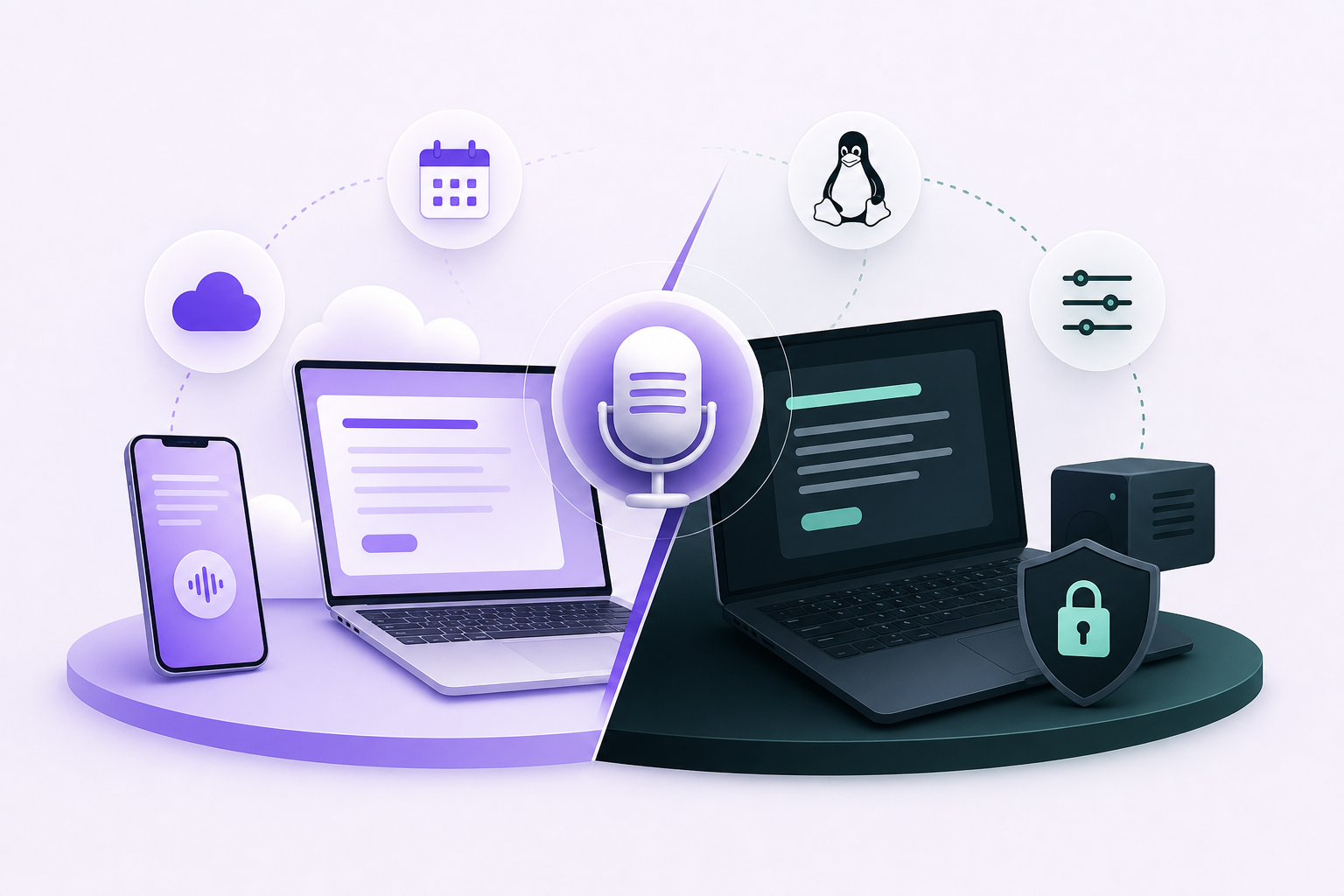
On privacy, the commitment is simple. Your spoken work is not the product, your audio and transcripts are not sold, and the current policy is at vibetyper.com/privacy.
You should not need to become a privacy expert just to dictate an email or a support reply.
One tool instead of a dozen microphone buttons
Privacy is one half of it. The other is that instead of managing a patchwork of voice features across a dozen services, you have one tool for the places where you write.
You speak, and the text appears in your current app.
If you've been wondering what built-in voice buttons are doing with your words, start by checking the policy behind each one. Then use the tool that gives you the clearest answer.
Download Vibe Typer for one voice typing tool across the apps where you write.
Try Vibe Typer free
Voice typing that works in every app on Linux, Windows, and macOS. Free to download: 2,000 words a month, no card.
Download free